
Dell Managed Rack PDU User Guide

This document describes the features and characteristics of ATEN Managed Rack PDU products.
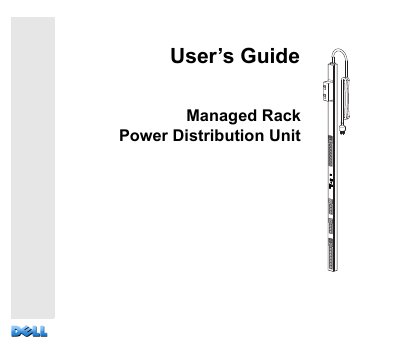

Dell Managed Rack PDU User Guide - cover page
Brand
DELL
Category
Other Electronics
Document type
User Manual
Language
English
Pages
244
File format
PDF
File size
2.8 MB
Published
22 November, 2023
Updated
22 November, 2023
MD5 checksum
26CB0357BCB8A812582EDEF63CF338A1

About this manual

The Dell Managed Rack PDU is a stand-alone, network-manageable power distribution device that provides real-time remote monitoring of connected loads and full outlet control. It can be managed through its web interface, command line interface, or SNMP.

This guide covers getting started, network settings, front panel use, command line and web interfaces, device and environment management, logs, administration, file transfers, troubleshooting, and security appendices.

What's inside

  • Introduction
  • Getting Started
  • Establishing Network Settings
  • Rack PDU Front Panel
  • Command Line Interface
  • Web Interface
  • Device Management
  • Environment
  • Logs
  • Administration

Frequently asked questions

Does the Rack PDU provide power surge protection?

No, the Rack PDU does not provide power surge protection.

What are the default administrator credentials?

The default user name and password are both admin.

How many user access levels does the Rack PDU have?

It has four levels: Administrator, Device User, Read-Only User, and Outlet User.

Which interfaces can be used to manage the Rack PDU?

It can be managed through the web interface, command line interface, or SNMP.

Download PDF (2.8 MB)

More DELL Manuals


View all DELL manuals →