
This document is a quick start guide for Dell computers. It introduces how to connect the power adapter, press the power button, finish Windows setup, enable security and updates, sign in to your Microsoft account or create a local account, connect to your network and explore resources.
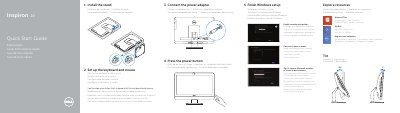
This document serves as a quick start guide for the Dell Inspiron 20 Model 3048 all-in-one computer. It provides multilingual instructions for initial setup, including connecting the power adapter, pressing the power button, and completing the Windows setup process. Users are directed to sign in to a Microsoft account or create a local account and connect to their network.
| Computer model | Inspiron 20 Model 3048 |
|---|---|
| Express Service Code | W09B |
| Power input voltage | 100 V CA–240 V CA |
| Power input frequency | 50 Hz–60 Hz |
| Power output voltage | 19,50 V CC |
| USB 3.0 ports | 2 |
| USB 2.0 ports | 4 |
The Express Service Code is W09B.
See the documentation that shipped with the keyboard and mouse.
You can find them at dell.com/support or dell.com/support/manuals.