
The Latitude 13 Quick Start Guide provides information on how to set up and use your Dell Latitude 13 laptop.
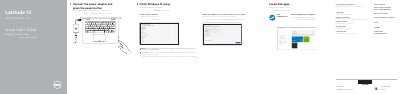
This guide helps you set up your Dell Latitude 3379 2-in-1 laptop. Connect the power adapter, locate Dell apps, and complete Windows 10 setup. Connect to your network, sign in to your Microsoft account, and access support resources. The device features a touchpad, USB ports, HDMI, and a service tag label for identification.
The guide also lists hardware features including microphone, infrared camera, camera status light, volume controls, and power button. It covers modes such as Notebook, Tablet, Tent, and Stand, helping you adapt the device to different usage scenarios.