
Dell Latitude 15 3580 3000 Series Quick Start Guide
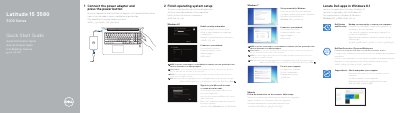
This quick start guide helps set up the Dell Latitude 15 3580 3000 Series. It lists first steps for Windows 8.1, Windows 7, and Ubuntu, including connecting power, network, accounts, security, and updates.
It also identifies laptop features such as ports, camera, touchpad, speakers, and optional fingerprint reader, and provides Dell support and regulatory information.
| SIM-card slot | Optional |
|---|---|
| Infrared camera | Touch version only |
| Fingerprint reader | Optional |
| Memory card reader | Included |
| USB 3.0 port with PowerShare | Included |
Dell support and manuals are available at Dell.com/support and Dell.com/support/manuals.
Follow the instructions on the screen to finish setup.
Enter the password for the wireless network access when prompted.