
Dell Latitude 12 5000 Series 2-in-1 Quick Start Guide
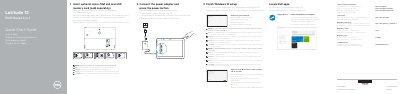
This quick start guide helps set up the Dell Latitude 5285 2-in-1. It outlines inserting optional micro-SIM and microSD cards, connecting power, completing Windows 10 setup, connecting to a network, signing in, locating Dell apps, and using SupportAssist.
The guide also identifies the device features and controls, including cameras, sensors, ports, kickstand, and optional components, and lists support, manual, regulatory, and contact resources.
| Computer model | Latitude 5285 2-in-1 |
|---|---|
| Regulatory model | T17G |
| Regulatory type | T17G001 |
| USB 3.0 port | 1 |
| microSD card slot | Under kickstand |
It is located under the kickstand.
Enter the password for the wireless network access when prompted.
At Dell.com/support, Dell.com/support/manuals, and Dell.com/support/windows.