
Dell XPS M1730 Setting Up Your Computer

This document describes how to set up and operate a Dell™ computer.
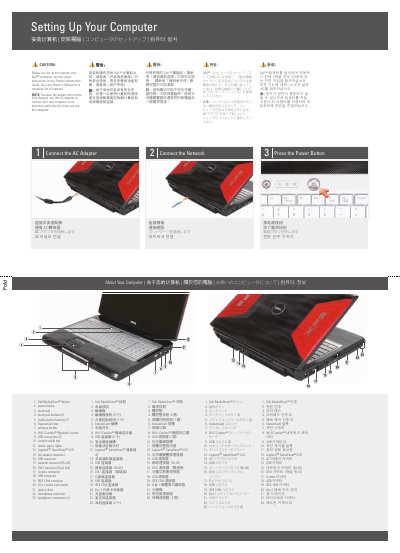

Dell XPS M1730 Setting Up Your Computer - cover page
Brand
DELL
Category
Laptops
Document type
Quick Start Guide
Language
English
Pages
2
File format
PDF
File size
602 KB
Published
22 November, 2023
Updated
22 November, 2023
MD5 checksum
EE3C7057B4AF3850F18C148820CA1CB5

About this manual

This document is a setup guide for the Dell XPS M1730. It shows how to connect the AC adapter, network, and power button, and identifies ports and controls on the computer.

It also includes an optional wireless network setup diagram and directs readers to the Owner's Manual or support.dell.com for more information.

What's inside

  • Fold 1 Connect the AC Adapter
  • Setting Up Your Computer
  • About Your Computer
  • Connect the Network
  • Press the Power Button
  • Wireless Network (Optional)
  • Finding Answers

Specifications

Media card reader8-in-1
Media control buttons7
Headphone connectors2

Frequently asked questions

What should I do first if the battery is not fully charged?

Use the AC adapter to connect the computer to an electrical outlet the first time you use it.

Where can I find more information about using the computer?

See the Owner's Manual; if you do not have a printed copy, click the Documentation and Support icon on the desktop or go to support.dell.com.

Is a wireless network required?

The wireless network setup is optional.

Download PDF (602 KB)

More DELL Manuals


View all DELL manuals →