
Dell Latitude 12 7285 2-in-1 Quick Start Guide
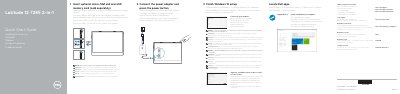
This document serves as a Quick Start Guide for the Dell Latitude 7285 2-in-1 tablet computer. It provides multilingual instructions for initial setup steps, such as connecting the power adapter, inserting optional micro-SIM and microSD memory cards, and completing the Windows 10 setup process. The guide also includes information on connecting to a network and creating a Microsoft account.
Connect the power adapter and press the power button.
Yes, you can insert an optional micro-SIM and microSD memory card, which are sold separately.
Keep the tablet's screen-side at 15 mm (0.59 inches) or greater distance from the user's body.
No, the tablet computer screen-side held against the user's body is not a Dell-specified usable orientation.