
Dell Inspiron 1520/1521 Setting Up Your Computer

The Dell laptop user manual introduces the various components of the laptop and how to use them.
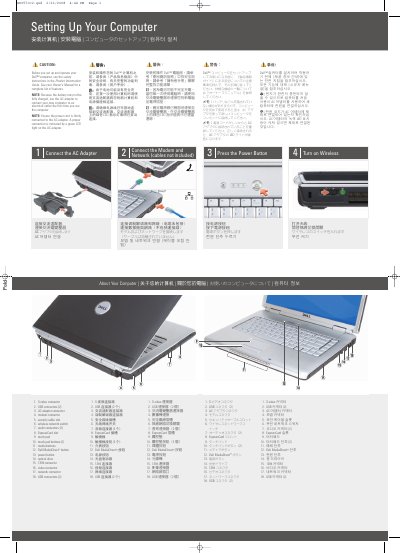

Dell Inspiron 1520/1521 Setting Up Your Computer - cover page
Brand
DELL
Category
Laptops
Document type
User Manual
Language
English
Pages
2
File format
PDF
File size
484 KB
Published
22 November, 2023
Updated
22 November, 2023
MD5 checksum
EE5E8EC60DDC6BB8C452D81A63367BC4

About this manual

This document provides instructions for setting up a new Dell Inspiron 1520 or 1521 computer. It details the initial steps to connect the AC adapter and turn on the device, noting that the battery may not be fully charged upon first use. The guide includes a numbered list identifying the locations of various ports and buttons on the computer chassis, such as the S-video, USB, modem, and ExpressCard connectors.

What's inside

  • Setting Up Your Computer
  • Connect the AC Adapter
  • Connect the Modem and Network
  • Press the Power Button
  • Turn on Wireless
  • Port Identification
  • Documentation and Support

Frequently asked questions

What should you do the first time you use the computer if the battery may not be fully charged?

Use the AC adapter to connect your new computer to an electrical outlet the first time you use it.

How can you tell that the AC adapter is properly connected?

A proper connection is indicated by a green LED light on the AC adapter.

What is the second setup step?

Connect the modem and network; cables are not included.

What type of modem is shown in the optional wireless network setup?

A cable or DSL modem.

Download PDF (484 KB)

More DELL Manuals


View all DELL manuals →