
The Dell Dock WD15 Quick Start Guide introduces the features and specifications of the docking station.
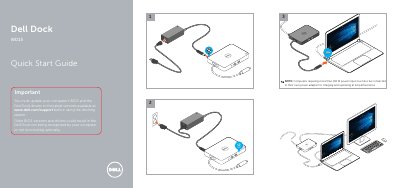
This document serves as a Quick Start Guide for the Dell WD15 Docking Station. It outlines critical pre-use requirements, specifically the necessity of updating the computer's BIOS and the Dock drivers to the latest versions available on the Dell support website to ensure proper recognition and optimal functionality.
The guide also includes a specific performance note regarding power input. It states that computers requiring more than 130 W of power input must be connected to their own power adapter for charging and operating at full performance when using the dock.
The computer's BIOS and the Dell Dock drivers must be updated to the latest versions.
They are available at www.dell.com/support.
They must also be connected to their own power adapter for charging and operating at full performance.
The Dell Dock may not be recognized by the computer or may not function optimally.