
This guide describes how to set up and use a Dell computer.
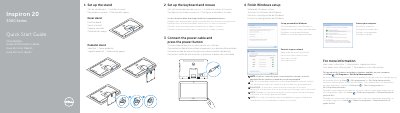
This document is a Quick Start Guide for the Dell Inspiron 20-3052 all-in-one PC. It provides multilingual instructions for setting up the device, including connecting the power cable, configuring the keyboard and mouse, and connecting to a network. The guide also explains how to set up the optional Easel or Pedestal stand.
| Input Voltage | 100 V CA–240 V CA |
|---|---|
| Input Frequency | 50 Hz–60 Hz |
| Input Current Consumption | 1,30 A/1,70 A |
| Output Voltage | 19,50 V DC |
| Output Current Consumption | 2,31 A/3,34 A |
| Origin | Made in China |
| USB 3.0 Ports | 2 |
| USB 2.0 Ports | 2 |
You can set up either an Easel stand or a Pedestal stand depending on your preference.
The regulatory model for this device is W15B.