
Dell OptiPlex 7040 Mini Tower Quick Start Guide
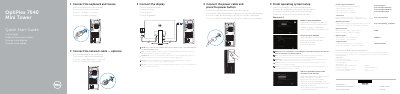
This quick start guide covers initial setup of the Dell OptiPlex 7040 Mini Tower, including connecting the keyboard, mouse, display, network, and power, then completing operating system setup.
It also identifies front and rear features, lists Windows setup and protection steps, and provides regulatory, support, and contact information.
| Input voltage | 100 V AC–240 V AC |
|---|---|
| Maximum input current | 4 A |
| Input frequency | 50 Hz–60 Hz |
| Regulatory model | D18M |
| Regulatory type | D18M001 |
| Computer model | OptiPlex 7040 MT |
Connect the display to the discrete graphics card.
Visit dell.com/support for the latest drivers.
The regulatory model number is D18M.
It supports 100 V AC to 240 V AC.