
Dell EMC PowerEdge R840 Server Getting Started Guide
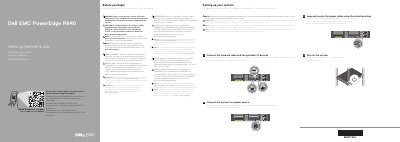
The Dell PowerEdge R840 Getting Started Guide explains how to set up the server, connect network and optional I/O devices, connect the power cable, and turn on the system. It also includes safety warnings and refers users to the rack documentation for installation details.
Technical specifications listed in the document cover supported power supply units, the 3 V CR2032 system battery, and the maximum ambient temperature of 35°C/95°F for continuous operation.
| Power supply | 2400 W Platinum AC 100–240 V, 50/60 Hz, 16 A |
|---|---|
| System battery | 3 V CR2032 lithium coin cell |
| Maximum ambient temperature | 35°C/95°F |
The complete and current listing of specifications is available at Dell.com/poweredgemanuals.
The system uses a 3 V CR2032 lithium coin cell battery.
The maximum ambient temperature for continuous operation is 35°C/95°F.
Follow the safety instructions included in the Safety, Environmental, and Regulatory Information document.