
The Dell B3465dn-dnf Laser MFP User's Guide describes the features and functions of the printer.
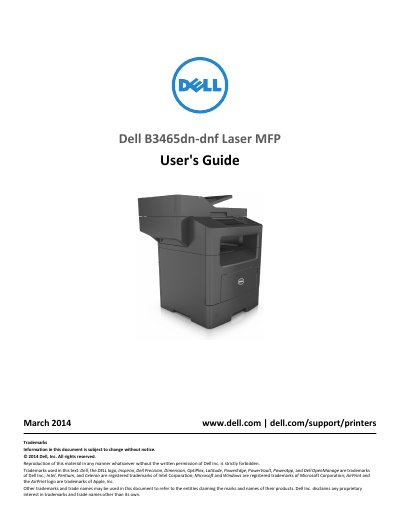
This user guide covers safety information, printer setup, paper loading, printing, copying, e-mailing, faxing, scanning, and the printer menus. It also includes maintenance, jam clearing, troubleshooting, and support information for the Dell B3465dn-dnf laser MFP.
The guide is organized with a table of contents and sections for securing the printer, managing messages, and contacting technical support.
| Weight | Greater than 18 kg (40 lb) |
|---|
Dell support is available at www.dell.com/support/printers, with documentation, driver downloads, product upgrades, and contact options.
Turn the printer off using the power switch, unplug the power cord, disconnect all cords and cables, and remove an optional tray if installed.
The initial setup instructions are in the setup documentation that came with the printer.