
The Dell PowerConnect W-AP93H is a single-radio, dual-band wireless access point that supports the IEEE 802.11n standard for high-performance WLAN. This access point uses MIMO (Multiple-in, Multiple-out) technology and other high-throughput mode techniques to deliver high-performance, 802.11n 2.4 GHz or 5 GHz functionality while simultaneously supporting existing 802.11a/b/g wireless services. The W-AP93H access point works only in conjunction with an Dell PowerConnect W-Series Controller.
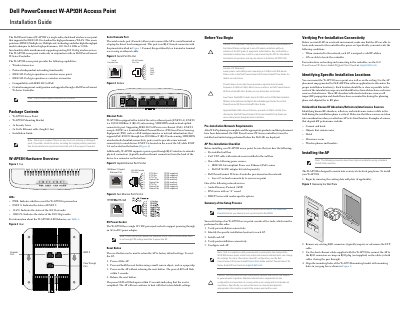
The Dell PowerConnect W-AP93H is a single-radio, dual-band wireless access point supporting IEEE 802.11n and MIMO technology for 2.4 GHz or 5 GHz WLAN operation, while also working with existing 802.11a/b/g services. It requires a Dell PowerConnect W-Series Controller and is managed centrally through that controller.
The guide covers package contents, hardware overview including LEDs and ports, pre-installation requirements, mounting on a wall or ceiling, and reset procedures. It also describes the five Ethernet ports, serial console port, DC power socket, and LED indicators.
| Wireless standard | IEEE 802.11n |
|---|---|
| Frequency bands | 2.4 GHz or 5 GHz |
| PoE support | IEEE 802.3af |
| ENET 0 speed | 10/100/1000Base-T |
| ENET 1-4 speed | 10/100Base-T |
| DC power input | 12V DC |
| Ethernet ports | 5 active ports (ENET 0-4) |
IEEE 802.3af-compliant Power over Ethernet or a Dell AP AC-DC adapter kit.
Power off, press and hold the reset button, power on without releasing, then release after the LED flashes.
A Dell PowerConnect W-Series Controller is required for operation and central management.
ArubaOS 6.1.3 or later is required.