
This document describes how to set up a keyboard and mouse.
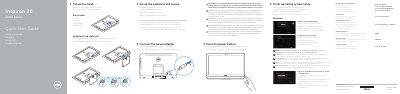
This guide covers initial setup of the Dell Inspiron 20 3000 Series computer, including connecting the power adapter, setting up the stand, pressing the power button, and completing operating system setup. It also describes the computer's features and ports, tilt angles, and where to find Dell apps, support, registration, and regulatory information.
The guide is printed in English, Danish, Finnish, Norwegian, and Swedish and includes safety and regulatory information.
| USB 3.0 ports | 2 |
|---|---|
| USB 2.0 ports | 2 |
| Regulatory model | W15B |
| Computer model | Inspiron 20-3052 |
Product support and manuals are available at Dell.com/support and Dell.com/support/manuals.
Enter the password for the wireless network access when prompted.
Windows and Ubuntu are mentioned for setup.