
This guide describes how to set up Windows on a Dell computer.
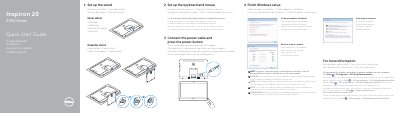
This document serves as a multi-language quick start guide for the Dell Inspiron 20-3052 All-in-One PC. It provides step-by-step instructions for setting up the device, including configuring Windows, setting up a password, and connecting to a network. The guide also details how to set up the stand and keyboard/mouse.
| USB 3.0 ports | 2 |
|---|---|
| USB 2.0 ports | 2 |
Click Start → All Programs→ Dell Help Documentation.
Enter the password for the wireless network access when prompted.