
This document describes how to set up a keyboard and mouse.
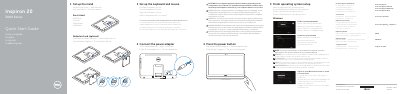
This guide covers initial setup of the Dell Inspiron 20 3000 Series computer, including connecting the power adapter, setting up the stand, and finishing operating system setup. It also identifies the computer's external features and ports and points to Dell support, registration, backup, and Windows help resources.
The guide is multilingual and includes setup steps for Windows and Ubuntu, along with notes on locating Dell apps and using SupportAssist.
| USB 3.0 ports | 2 |
|---|---|
| USB 2.0 ports | 2 |
| Optical drive | Optional |
Follow the instructions on the screen to finish setup.
It has 2 USB 3.0 ports.