
This document describes how to set up the keyboard and mouse.
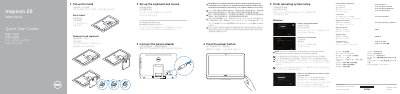
This Dell quick start guide helps users set up the Inspiron 20-3052 desktop computer, including attaching the keyboard and mouse, connecting the power adapter, setting up the stand, and turning on the computer.
It also covers finishing operating system setup, enabling security and updates, connecting to a network, signing in to a Microsoft account or creating a local account, and finding product support and regulatory information. This manual is written in Chinese.
| Computer model | Inspiron 20-3052 |
|---|---|
| Regulatory model | W15B |
| Regulatory type | W15B002 |
| Tilt range | 12.5°–40° |
The computer model is Inspiron 20-3052.
The regulatory model is W15B.
Enter the password for the wireless network access when prompted.