
The quick start guide introduces how to set up and use a Dell computer.
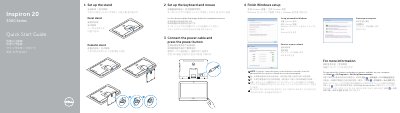
This Quick Start Guide covers the initial setup steps for the Dell Inspiron 20 3000 Series All-in-One PC. It includes instructions on finishing the Windows setup, setting up a password, connecting to a network, and configuring the keyboard and mouse. The guide also details how to install the optional Easel or Pedestal stand. This manual is written in Chinese.
The computer has two USB 3.0 ports.
Connect the power cable and press the power button.
Enter the password for the wireless network access when prompted.
The optical drive is optional.