
Dell laptop quick start guide
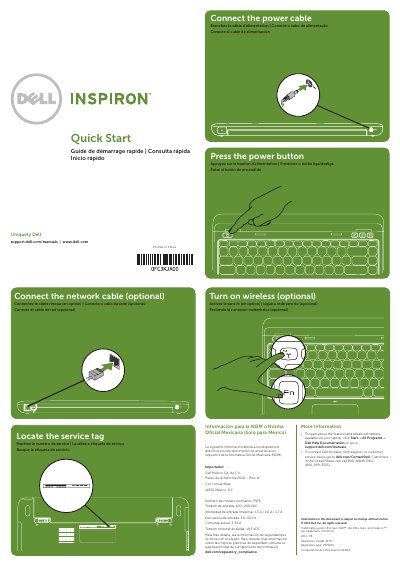
This document serves as a Quick Start Guide for the Dell Inspiron N311Z laptop. It provides essential instructions for initial setup, including connecting the network cable, locating the service tag, activating wireless connectivity, and connecting the power cable. The guide also directs users to Dell's support website for advanced options and contact information for sales and technical support.
| USB 3.0 Connectors | 2 |
|---|---|
| USB 2.0 Connectors | 1 |
| HDMI Connector | 1 |
| Media Card Reader | 8-in-1 |
Locate the service tag on the laptop as instructed in the guide.
Turn on wireless as an optional step during the initial setup.
Click Start→ All Programs→ Dell Help Documentation or go to support.dell.com/manuals.