
Dell Latitude E6500 Service Manual

The Dell™ Latitude™ E6500 Technical Guide provides detailed information about the Dell™ Latitude™ E6500 notebook.
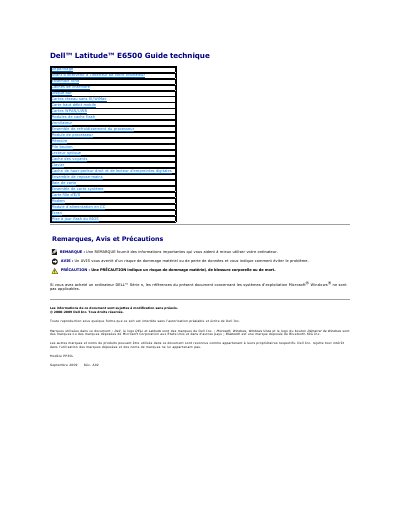

Dell Latitude E6500 Service Manual - cover page
Brand
DELL
Category
Laptops
Document type
Service Manual
Language
French
Pages
72
File format
PDF
File size
1.8 MB
Published
22 November, 2023
Updated
22 November, 2023
MD5 checksum
2A4F0CD53940A27BCE2CDEC25AC84480

About this manual

This document is a technical guide for the Dell Latitude E6500 computer, specifically focusing on maintenance and repair procedures. It details the steps for removing and reinstalling various internal components, including the base, battery, system board, and wireless cards. The guide also includes safety precautions and recommended tools for performing these tasks. This manual is written in French.

What's inside

  • Avant d'intervenir à l'intérieur de votre ordinateur
  • Dépose de l'ensemble fond du socle
  • Dépose de la batterie
  • Mise à jour flash du BIOS
  • Dépose de la carte système
  • Outils recommandés
  • Consignes de sécurité

Specifications

Document RevisionRév. A02

Frequently asked questions

What tools are recommended for this repair?

The procedures require a small flat-blade screwdriver, a Phillips screwdriver, and a small plastic point.

How do I update the BIOS from a CD?

Press before inserting the CD to configure the computer for a one-time boot from the CD, then insert the CD and follow the on-screen instructions.

Download PDF (1.8 MB)

More DELL Manuals


View all DELL manuals →