
The Dell XPS 8900 Quick Start Guide describes how to connect the keyboard and mouse, network cable, and display.
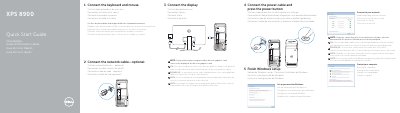
This guide provides step-by-step instructions for setting up the Dell XPS 8900 desktop computer. It covers connecting essential peripherals such as the keyboard, mouse, network cable, and display, as well as connecting the power cable and turning on the system. A specific note advises users who purchased the computer with a discrete graphics card to connect the display to that card instead of the motherboard port.
| USB 3.0 ports | 4 |
|---|---|
| Optical-drive bays | 2 |
| PowerShare slots | 4 |
| Audio ports | 6 |
You should connect the display to the discrete graphics card.
Enter the password for the wireless network access when prompted.