
The Dell™ OptiPlex™ 745 Systems User's Guide provides information on the various features and characteristics of the Dell™ OptiPlex™ 745 Systems.
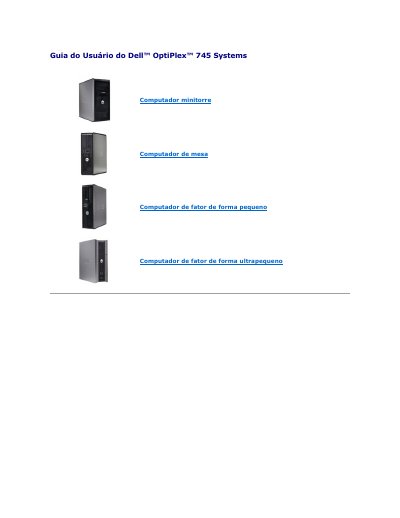
This user guide provides instructions for the Dell OptiPlex 745 Systems, covering small form factor, micro, and ultra-small form factor desktop computers. It details the configuration and management of LegacySelect technology, which allows administrators to electronically enable or disable connectors and media devices such as serial, USB, parallel, floppy, PCI slots, and PS/2 mice. The guide explains how to manage these settings via system configuration, Dell OpenManage IT Assistant, or factory integration. This manual is written in Portuguese.