
This document is a manual for a Dell computer. It explains how to connect a monitor, keyboard, and mouse, as well as how to connect the computer and monitor to power outlets.
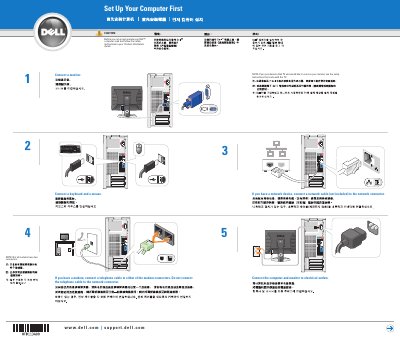
This document provides initial setup instructions for Dell Dimension computers. It details how to connect essential peripherals such as a monitor, keyboard, mouse, and telephone cable for modems. Users are advised to read the Product Information Guide for safety instructions before operation.
You must read and follow the safety instructions in your Product Information Guide before setting up and operating the computer.
Connect the telephone cable to either of the modem connectors, but do not connect it to the network connector.
Connect other devices according to their documentation and set them up last.