
This document describes how to set up and operate a Dell computer.
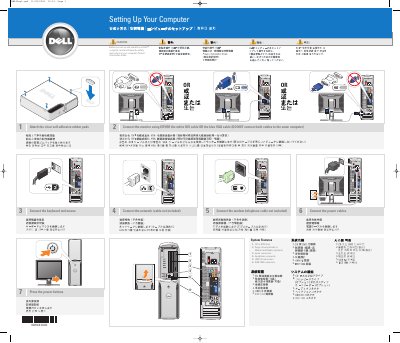
This document provides initial setup instructions for a Dell computer, covering the connection of essential peripherals such as the keyboard, mouse, monitor, and power cables. It includes specific notes on connecting the monitor via DVI or VGA cables and attaching optional components like media card readers or remote control sensors.
The guide states that the network cable and the telephone cable for the modem are not included.
You can use either the white DVI cable or the blue VGA cable, but you must not connect both to the same computer.
The optional wireless setup requires a wireless router, a desktop computer with a network adapter, or a USB wireless adapter.