
Dell E198WFP Flat Panel Monitor User's Guide

Dell™ E198WFP Flat Panel Monitor User's Guide
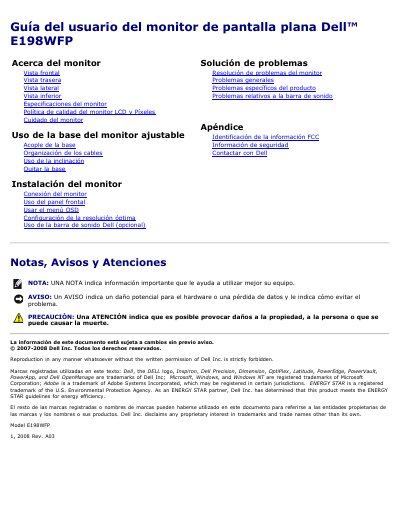

Dell E198WFP Flat Panel Monitor User's Guide - cover page
Brand
DELL
Category
Monitors
Document type
User Manual
Language
Spanish
Pages
46
File format
PDF
File size
2 MB
Published
20 November, 2023
Updated
20 November, 2023
Model
E198WFP
MD5 checksum
1A9B92100415CE216DFC21E15BB5E10D

About this manual

This document is the User's Guide for the Dell E198WFP flat panel monitor. It provides instructions on how to use the monitor, including connecting it to a PC, using the On-Screen Display (OSD) menu, and adjusting settings like brightness and contrast. The guide also covers the optional Dell Soundbar integration. This manual is written in Spanish.

What's inside

  • Acerca del monitor
  • Vista frontal
  • Vista trasera
  • Vista inferior
  • Especificaciones del monitor
  • Cuidado del monitor
  • Uso de la base del monitor ajustable
  • Conexión del monitor
  • Uso del panel frontal
  • Solución de problemas

Specifications

Screen Size19 inches
Panel TypeActive Matrix - TFT LCD
Optimal Resolution1440 x 900 at 60 Hz
Response Time5 ms
Contrast Ratio1000:1
Power Supply100 to 240 VAC

Frequently asked questions

What is the optimal resolution for this monitor?

The optimal predefined resolution is 1440 x 900 at 60 Hz.

How many static pixels are considered normal?

A screen with between 1 and 5 static pixels is considered normal.

Can I use the optional Dell Soundbar?

Yes, the guide includes instructions for using the optional Dell Soundbar.

Download PDF (2 MB)

More DELL Manuals


View all DELL manuals →