
Dell Computer Setup and Connection Guide

The Dell computer user manual introduces the setup and operation methods of the Dell computer.

Dell Computer Setup and Connection Guide - cover page
Brand
DELL
Category
Desktops
Document type
User Manual
Language
English
Pages
2
File format
PDF
File size
2.6 MB
Published
20 November, 2023
Updated
20 November, 2023
MD5 checksum
B5E686395270FD684AA77E83AA2DD8C6

About this manual

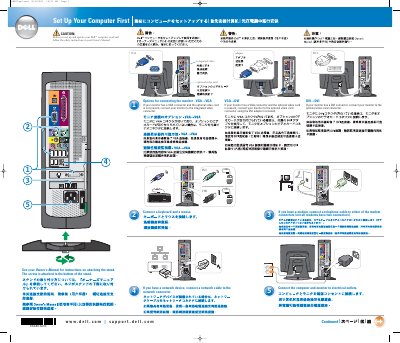
This document provides initial setup instructions for a Dell computer, covering the connection of monitors using VGA, DVI, or optional video cards, as well as connecting power, network, and peripheral devices like keyboards and mice. It also details the location and function of specific ports on the computer chassis, such as IEEE 1394, CD/DVD drives, and PC Card slots.

What's inside

  • Set Up Your Computer First
  • Options for connecting the monitor
  • Connect the computer and monitor to electrical outlets
  • Set Up Other Devices Last
  • Help and Support
  • IEEE 1394 option
  • CD or DVD drive
  • Front USB 2.0 connectors
Download PDF (2.6 MB)

More DELL Manuals


View all DELL manuals →