
Dell™ 1707FP Flat Panel Color Monitor User's Guide
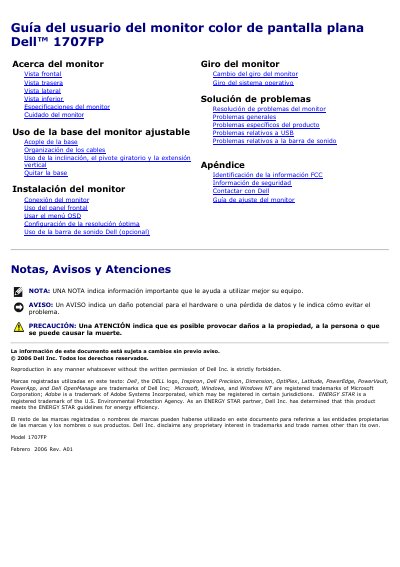
This document is the user guide for the Dell 1707FP flat panel color monitor. It provides instructions on the monitor's physical features, including the front, rear, and side views, as well as the adjustable stand and cable management system. The guide details how to connect the monitor to a PC using VGA or DVI inputs and how to use the optional Dell Soundbar. This manual is written in Spanish.
| Screen Size | 17 inches |
|---|---|
| Panel Type | Active Matrix - TFT LCD |
| Optimal Resolution | 1280 x 1024 at 60 Hz |
| Response Time | 8 ms |
| Contrast Ratio | 600 to 1 |
| Power Consumption (Active) | 32 W |
| Power Consumption (Max) | 75 W |
The optimal predefined resolution is 1280 x 1024 at 60 Hz.
Yes, but the USB interface only works when the monitor is turned on or in power-saving mode.
Yes, the rear of the monitor features VESA mounting holes with a 100mm surface.