
Dell OptiPlex 380 Small Form Factor Service Manual

The Dell™ OptiPlex™ 380 Small Form Factor Service Manual provides information on how to remove and replace computer components.
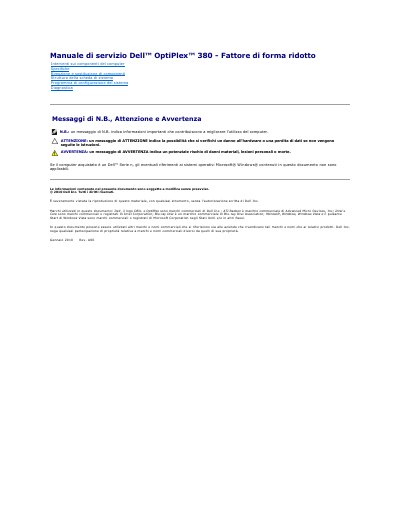

Dell OptiPlex 380 Small Form Factor Service Manual - cover page
Brand
DELL
Category
Desktops
Document type
Service Manual
Language
Italian
Pages
50
File format
PDF
File size
5.2 MB
Published
20 November, 2023
Updated
20 November, 2023
MD5 checksum
E45D72DE9CBBBBDCF5C49AD30508E5A7

About this manual

This document is the Italian service manual for the Dell OptiPlex 380 Small Form Factor computer. It provides instructions for hardware maintenance, including the removal and replacement of components, system structure, and system configuration programs.

The manual details the use of the BIOS Setup program and the Boot Menu, explaining how to access these utilities using specific function keys. It covers system information display options, boot sequence settings, and configurations for integrated devices such as the network card, USB controller, and SATA operation modes. This manual is written in Italian.

What's inside

  • Component removal and replacement
  • System structure
  • System configuration program
  • Boot menu
  • BIOS Setup
  • System information
  • Boot sequence
  • SATA operation
  • Integrated NIC settings
  • USB controller settings

Frequently asked questions

What key activates the temporary boot sequence menu?

Press the key when the Dell logo is displayed to activate a temporary boot sequence.

What key accesses the system configuration program?

Press the key to access the system configuration program and modify user-definable settings.

What happens if the system configuration program cannot be accessed with ?

Press again as soon as the keyboard indicators start flashing if you cannot access the program with the first press.

Download PDF (5.2 MB)

More DELL Manuals


View all DELL manuals →