
Dell External USB Slim DVD-ROM Optical Drive-DR316 User's Guide
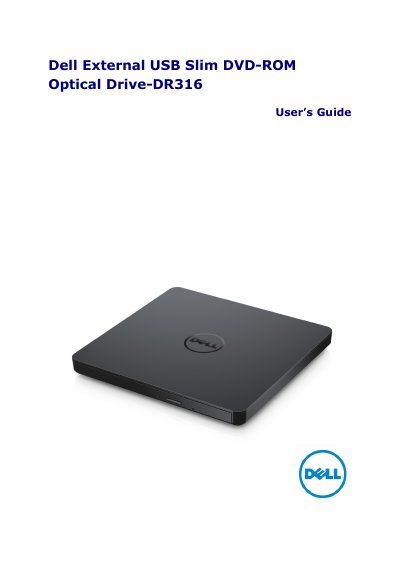
This manual provides instructions for the Dell DR316 External USB Slim DVD-ROM Optical Drive. It details the drive's features, including its USB 2.0 interface and compatibility with various disc formats such as CD-R/RW, DVD-R/RW, and M-DISC. The guide explains how to insert and remove discs, use the emergency eject feature, and connect the device to a computer.
| Interface | USB 2.0 (480 Mbps) |
|---|---|
| Power Consumption (Continuous Read) | 700 mA |
| Operating Temperature | 5° to 40° C |
| Dimensions (Width x Depth x Height) | 144 mm x 137.5 mm x 14 mm |
| Weight | About 220 g |
Power off the computer, insert a stiff wire or paper clip into the emergency eject hole, and push firmly until the tray opens.
The drive supports CD-R/RW, DVD-R/RW/RAM/+R/+RW/+R DL/-R DL, M-DISC, and other CD/DVD formats.
No, the drive is PC USB powered and does not need an AC adapter.