
The Dell Storage NX3230 System Getting Started Guide introduces the features and benefits of the system.
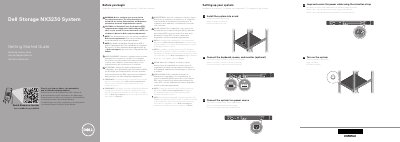
This document serves as a Getting Started Guide for the Dell Storage NX3230 system. It outlines the initial setup process, including connecting peripherals like the keyboard, mouse, and monitor, connecting the system to a power source, and securing the power cable. The guide also directs users to the Safety, Environmental, and Regulatory Information document for safety instructions and notes that the system comes pre-installed with Windows Storage Server 2016 or 2012 R2.
| Power rating per PSU | 750 W or 1100 W |
|---|---|
| Heat Dissipation (750 W PSU) | 2891 BTU/hr maximum |
| Heat Dissipation (1100 W PSU) | 4100 BTU/hr maximum |
| System battery | CR 2032 3.0 – V lithium coin cell |
| Maximum ambient temperature | 35°C |
The system comes with Windows Storage Server 2016 or 2012 R2 installed by default.
Safety instructions are included in the Safety, Environmental, and Regulatory Information document shipped with the system.