
Dell Computer Setup Guide

This document is a setup guide for Dell computers.
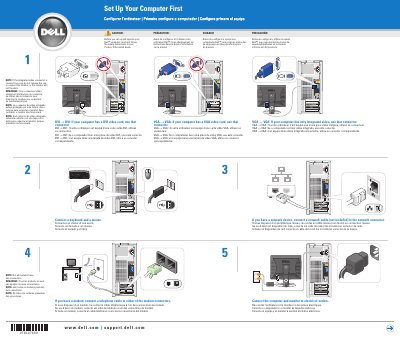

Dell Computer Setup Guide - cover page
Brand
DELL
Document type
User Manual
Language
English
Pages
2
File format
PDF
File size
1.3 MB
Published
20 November, 2023
Updated
20 November, 2023
MD5 checksum
6E2E0FA6D244E2C251FC43604593AFE7

About this manual

This guide provides instructions for setting up a Dell computer. It covers connecting essential peripherals such as keyboards, mice, and network cables, as well as connecting the computer and monitor to electrical outlets. It includes specific guidance on using DVI or VGA video connectors based on the computer's hardware configuration.

What's inside

  • Set Up Your Computer First
  • Connect a keyboard and a mouse
  • Connect the computer and monitor to electrical outlets
  • Connect a network cable
  • Connect a modem
  • Video connector selection
  • Set Up Other Devices Last
  • Turn on the computer and monitor
Download PDF (1.3 MB)

More DELL Manuals


View all DELL manuals →