
This document provides instructions on how to connect and set up a Dell computer.
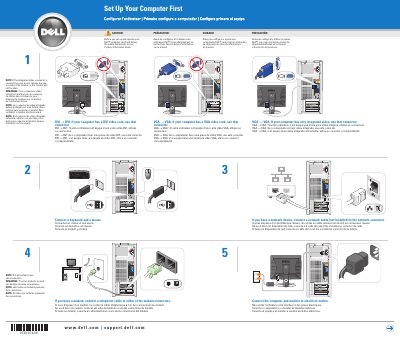
This document provides initial setup instructions for a Dell computer. It details how to connect essential peripherals such as a keyboard, mouse, and monitor to the electrical outlets and network. It also specifies which video connectors to use based on the computer's hardware (DVI or VGA) and warns against removing protective caps on integrated connectors.
You must read and follow the safety instructions in your Product Information Guide before setting up and operating the computer.
Do not remove the cap to connect the monitor, or the monitor will not function.
Connect your speakers to the optional sound-card connectors and do not remove the cap.