
The Dell™ Dimension™ 3100/E3100 Owner's Manual provides information on how to use the Dell™ Dimension™ 3100/E3100 computer.
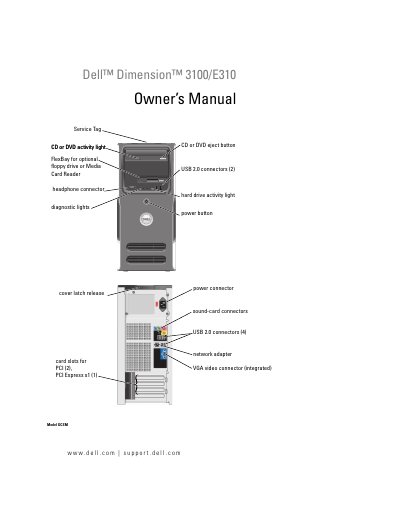
This document serves as the Owner's Manual for the Dell Dimension 3100 and E310 desktop computers. It covers essential topics including setting up the computer and peripherals, connecting to networks and the internet, and using various media features like CD/DVD drives and media card readers. The guide also explains how to adjust system settings, manage power options, and utilize Dell Diagnostics.
| Processor type | Intel Pentium 4 with Hyper-Threading technology |
|---|---|
| Memory type | 400- and 533-MHz DDR2 unbuffered SDRAM |
| Maximum memory | 2 GB |
| Chipset | Intel 915GV |
| RAID support | RAID 1 (mirroring) |
| Network interface | Integrated network interface capable of 10/100 communication |
The manual lists recommended tools in the 'Before You Begin' section for removing and installing parts.
You should use the Service Tag located on your computer to identify it when using support.dell.com or contacting technical support.
You should also reinstall the Desktop System Software (DSS) utility to ensure correct operation and critical updates.