
The Dell Storage NX3330 System Getting Started Guide describes how to set up and use the Dell Storage NX3330 system.
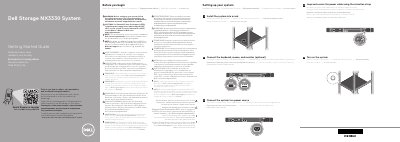
This document serves as a Getting Started Guide for the Dell Storage NX3330 system. It provides multilingual instructions for the initial setup process, including installing the system into a rack, connecting peripherals, connecting to a power source, and powering on the unit. Users are directed to the Safety, Environmental, and Regulatory Information document for safety instructions and the Owner's Manual for detailed information on Extended Power Performance (EPP) compliant power supplies.
| Power rating per power supply unit (PSU) | 750 W |
|---|---|
| Heat Dissipation | 2891 BTU/hr maximum |
| System battery | CR 2032 3.0 – V lithium coin cell |
| Maximum ambient temperature for continuous operation | 35°C |