
The Dell PowerEdge T30 Getting Started Guide introduces the features and characteristics of the product.
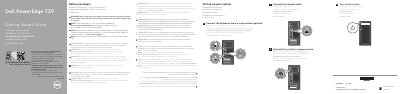
This document serves as a Getting Started Guide for the Dell PowerEdge T30 server. It provides multilingual instructions for the initial setup process, which includes connecting the keyboard, mouse, monitor, and network cable, as well as connecting the system to a power source and turning it on. Users are advised to consult the Safety, Environmental, and Regulatory Information document before beginning setup.
| Power rating per PSU | 290 W AC (100–240 V, 50/60 Hz, 5.4 A) |
|---|---|
| System battery | 3 V CR2032 lithium coin cell |
| Maximum ambient temperature | 10 °C (50 °F)–35 °C (95 °F) |
You must follow the safety instructions included in the Safety, Environmental, and Regulatory Information document shipped with the system.
You need a SATA controller card if you install more than four SATA hard drives.
The maximum ambient temperature for continuous operation is 35 °C (95 °F).