
The Dell EMC PowerEdge R940 Getting Started Guide describes the features and characteristics of the product.
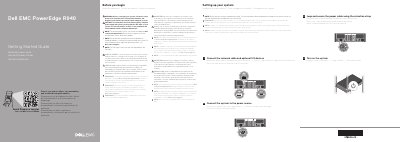
This document serves as a Getting Started Guide for the Dell EMC PowerEdge R940 server. It outlines the essential steps required to set up the system, including securing the installation, connecting network cables, and powering on the unit. The guide also directs users to additional documentation for safety, environmental, and regulatory information.
| Maximum ambient temperature | 35°C/95°F |
|---|---|
| System battery | 3 V CR2032 lithium coin cell |
| Power rating (Platinum AC) | 2400 W |
Follow the safety instructions included in the Safety, Environmental, and Regulatory Information document shipped with the system.
Use Extended Power Performance (EPP) compliant power supply units, indicated by the EPP label.