
Dell Inspiron 1525/1526 Service Manual

The Dell™ Inspiron™ 1525/1526 Service Manual provides information on the features and specifications of the product.
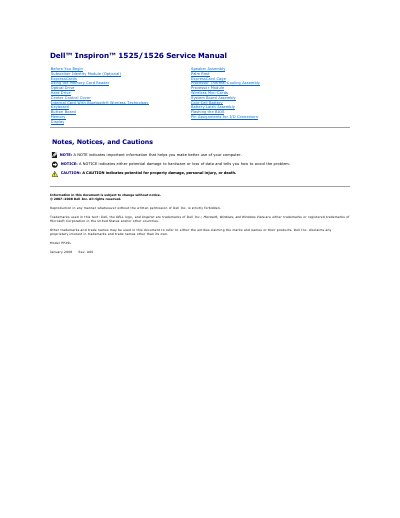

Dell Inspiron 1525/1526 Service Manual - cover page
Brand
DELL
Category
Laptops
Document type
Service Manual
Language
English
Pages
48
File format
PDF
File size
1.5 MB
Published
20 November, 2023
Updated
20 November, 2023
MD5 checksum
917E4E08796646C0FFE7463EEA6B490A

About this manual

This document serves as a technical guide for servicing the Dell Inspiron 1525 and 1526 laptop models. It outlines safety precautions, such as disconnecting power and removing the battery, before working inside the computer. The manual details the recommended tools required for repair tasks.

What's inside

  • Before You Begin
  • Flashing the BIOS
  • Internal Card With Bluetooth Wireless Technology
  • Button Board
  • Using the Memory Card Reader
  • System Board Assembly
  • Processor Module
  • Wireless Mini-Cards

Frequently asked questions

What tools are required to remove and install components in this computer?

The procedures may require a small flat-blade screwdriver, a Phillips screwdriver, and a small plastic scribe.

What must be done to the battery before working inside the computer?

You must remove the battery from the battery bay to help prevent damage to the system board.

How should a memory card be inserted into the slot?

Hold the card with the top side facing up and slide it into the slot until it is completely seated.

Download PDF (1.5 MB)

More DELL Manuals


View all DELL manuals →