
Dell Vostro 230 Mini Tower Maintenance Guide

The Dell™ Vostro™ 230 Mini Tower Service Manual provides information on how to maintain and service your Dell™ Vostro™ 230 Mini Tower computer.
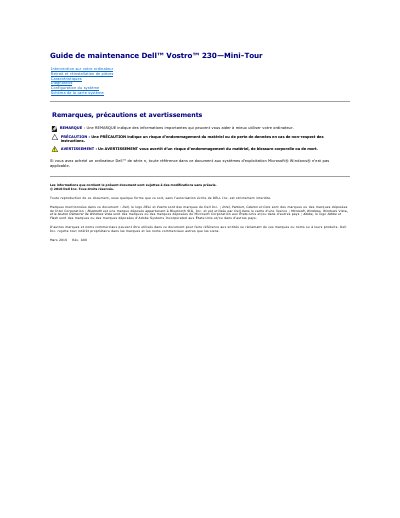

Dell Vostro 230 Mini Tower Maintenance Guide - cover page
Brand
DELL
Category
Desktops
Document type
Service Manual
Language
French
Pages
30
File format
PDF
File size
555 KB
Published
20 November, 2023
Updated
20 November, 2023
MD5 checksum
F8889C2621C14676E29FD6417AB5BAB2

About this manual

This document serves as a maintenance guide for the Dell Vostro 230 Mini Tower computer. It provides instructions on removing and reinstalling parts, performing diagnostics, and configuring system settings. The guide also includes important notes, precautions, and warnings to ensure safe handling of the hardware. This manual is written in French.

What's inside

  • Remarques, précautions et avertissements
  • Retrait et réinstallation de pièces
  • Diagnostics
  • Configuration du système
  • Schéma de la carte système
  • Menu de démarrage
  • Informations système
  • Configuration SATA
  • Configuration avancée du processeur
  • Configuration des périphériques intégrés

Frequently asked questions

How do you access the system configuration program?

Press when the Dell logo appears to enter the system configuration.

What does the REMARQUE symbol indicate?

It indicates important information that can help you use your computer better.

What does the AVERTISSEMENT symbol indicate?

It warns of a risk of hardware damage, bodily injury, or death.

Download PDF (555 KB)

More DELL Manuals


View all DELL manuals →