
Dell Precision Workstation 380 User's Guide

The Dell™ Precision™ Workstation 380 User's Guide provides information about the computer and its components.
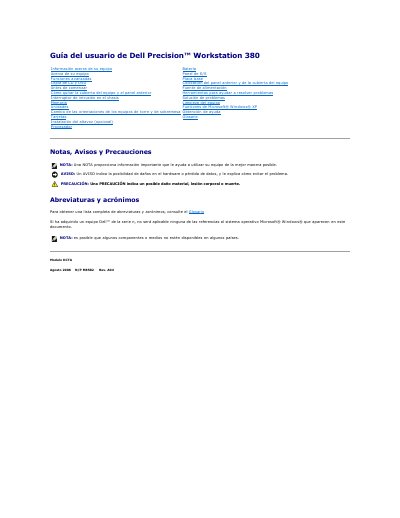

Dell Precision Workstation 380 User's Guide - cover page
Brand
DELL
Category
Desktops
Document type
User Manual
Language
Spanish
Pages
154
File format
PDF
File size
3.9 MB
Published
20 November, 2023
Updated
20 November, 2023
MD5 checksum
488828EB4A4C73ABB8E7FCCEA6FFC713

About this manual

This document serves as the user guide for the Dell Precision Workstation 380. It provides essential information regarding the system, including advanced features such as CD and DVD copying capabilities. The guide is applicable for the use, maintenance, and troubleshooting of the workstation. This manual is written in Spanish.

What's inside

  • About Your Computer
  • Before You Begin
  • Removing the Cover and Front Panel
  • Memory
  • Drives
  • Installation of the Speaker
  • Processor
  • Power Supply
  • Troubleshooting
  • Cleaning the Computer

Frequently asked questions

What is the Dell Precision Workstation 380?

It is a computer workstation that can be configured as either a tower or a desktop unit.

How do you turn on the computer?

Press the power button to turn on the computer.

What does a solid green power indicator light mean?

A solid green light indicates that the computer is in a normal operating state.

What network speeds are supported by the network link indicator?

The indicator shows an optimal connection for networks of 10-Mbps, 100-Mbps, or 1000-Mbps (1-Gbps).

Download PDF (3.9 MB)

More DELL Manuals


View all DELL manuals →