
The Dell OptiPlex 780-USFF Mounting Bracket supports the system in both vertical and horizontal orientations.
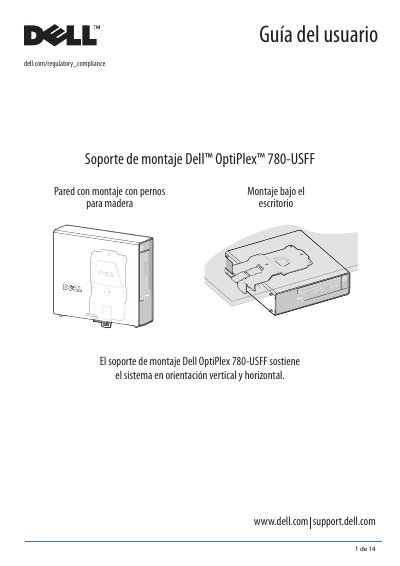
This document is the user guide for the Dell OptiPlex 780-USFF mounting bracket. It details the components included, safety symbols, and specific installation procedures for mounting the system either under a desk or on a wall. The guide includes diagrams and step-by-step instructions for securing the bracket to various surfaces, such as wood studs or desks, ensuring proper orientation for the system chassis. This manual is written in Spanish.
| System Weight Capacity | ≤ 3.2 kg (7 lbs) |
|---|---|
| Operating Temperature | 0°C to 35°C (32°F to 95°F) |
| Storage Temperature | -40°C to 69°C (-40°F to +149°F) |
| Transport Temperature | -40°C to 69°C (-40°F to +149°F) |
The mounting bracket is designed to support a system weight of up to 3.2 kg (7 lbs).
Required tools include a stud finder, tape measure, pencil, level, safety glasses, and an electric drill with a 5 mm wood bit.