
The Dell Precision 7920 Rack Workstation Quick Start Guide provides information on how to install the system into a rack, connect the keyboard, mouse, and monitor, connect the system to a power source and secure it in the retention clip, connect the network cable, and turn on the system.
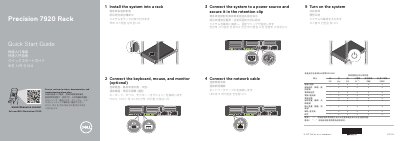
This document serves as a Quick Start Guide for the Dell Precision 7920 Rack Workstation. It outlines the essential steps to get the system operational, including installing the unit into a rack, connecting optional peripherals like the keyboard, mouse, and monitor, and securing the power and network cables.
| Rated voltage | 100 - 240 Volts (AC) |
|---|---|
| Rated frequency | 50 - 60 Hertz |
| Rated input current (1100W) | 12 A |
| Rated input current (1600W) | 10 A |
| Power supply units | 2 |
| PCIe expansion card slots | 8 |
| Network ports | 4 |
| USB 3.0 ports | 4 |
The system is equipped with two power supplies.
No, the optical drive is an optional component.