
Dell Precision 7920 Rack Workstation Quick Start Guide

Dell Precision 7920 Rack Workstation Quick Start Guide.
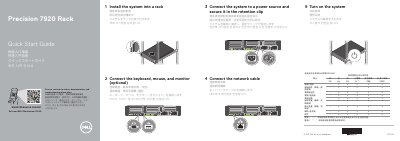

Dell Precision 7920 Rack Workstation Quick Start Guide - cover page
Brand
DELL
Category
Servers Computer
Document type
Quick Start Guide
Language
English
Pages
2
File format
PDF
File size
284 KB
Published
20 November, 2023
Updated
20 November, 2023
MD5 checksum
CBA6016E51D39F6997B172E21DD553F5

About this manual

This document serves as a Quick Start Guide for the Dell Precision 7920 Rack Workstation. It outlines the essential steps to set up the system, including installing it into a rack, connecting peripherals like the keyboard, mouse, and monitor, and securing the power connection. The guide also details how to turn on the system and provides a link to scan for additional video documentation and troubleshooting information.

What's inside

  • Install the system into a rack
  • Connect the keyboard, mouse, and monitor
  • Connect the system to a power source
  • Connect the network cable
  • Turn on the system
  • System Status Indicator
  • Hard drive bays
  • USB ports
  • Network ports
  • Power supply

Frequently asked questions

What are the steps to install the system?

Install the system into a rack, connect the keyboard, mouse, and monitor if desired, connect the system to a power source and secure it in the retention clip, connect the network cable, and turn on the system.

How many power supplies does the system have?

The system includes two power supplies.

What is the rated input current for the 1100 W power setting?

The rated input current is 12 A for the 1100 W setting.

Download PDF (284 KB)

More DELL Manuals


View all DELL manuals →