
The Dell OptiPlex 780-USFF All-in-One Stand features a unique design that hides cables and is suitable for a variety of environments.
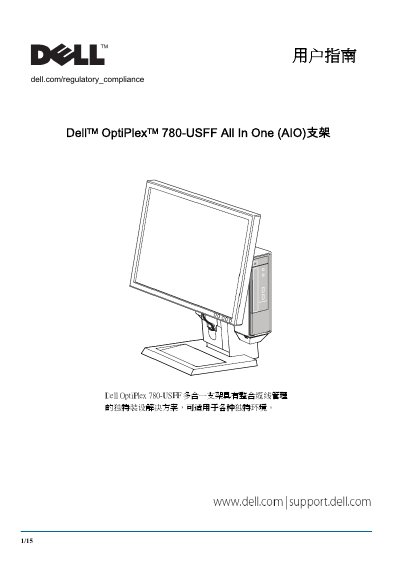
This document is the user guide for the Dell OptiPlex 780-USFF All-in-One (AIO) stand. It describes the stand's unique cable management solutions suitable for various environments and lists the components included with the stand, such as the Dell monitor, quick-release mounting plate, and host jacket. The guide also details the various ports and security features like the Kensington security slot and lock ring. This manual is written in Chinese.
| Monitor Models | P190S/1909WVP2210 |
|---|---|
| Host Model | OptiPlex 780-USFF |
| Operating Temperature | 32eF 至 95"F (0eC 至 35"C) |
| Power Input (100-120V) | 100-120 V~, 50/60 HZ, 3.5 A |
| Power Input (220-240V) | 220-240 V-~, 50/60 HZ, 1.75 A |
| Security Slot | Kensington |
The stand includes the AIO stand, cable cover, host jacket, VGA and USB cables, and a quick-release monitor mounting plate.
The stand must be placed on a level, stable surface to reduce the risk of injury or equipment damage.
The stand features a Kensington security slot and a lock ring compatible with standard MicroSaver locks.