
Dell Precision 7920 Rack Workstation Quick Start Guide

Dell Precision 7920 Rack Workstation Quick Start Guide.
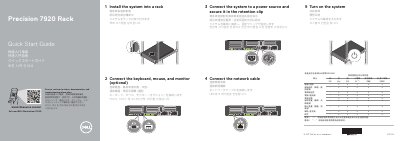

Dell Precision 7920 Rack Workstation Quick Start Guide - cover page
Brand
DELL
Category
Desktops
Document type
Quick Start Guide
Language
English
Pages
2
File format
PDF
File size
284 KB
Published
20 November, 2023
Updated
20 November, 2023
MD5 checksum
9A259D40DA48E02A1CCC91F2B1A1CC44

About this manual

This document serves as a Quick Start Guide for the Dell Precision 7920 Rack Workstation. It outlines the essential steps to get the system up and running, including rack installation, peripheral connections, and power-on procedures. The guide is multilingual, providing instructions in English, Chinese, Japanese, and Korean.

What's inside

  • Install the system into a rack
  • Connect the keyboard, mouse, and monitor
  • Connect the system to a power source
  • Connect the network cable
  • Turn on the system
  • System Status Indicator
  • Hard drive bays
  • USB ports
  • Power supply
  • Regulatory model

Specifications

Rated voltage100 - 240 Volts
Rated frequency50 - 60 Hertz
Rated input current (1100W)12 A
Rated input current (1600W)10 A
Network ports4
Power supply2
PCIe expansion card slots8

Frequently asked questions

What is the rated input current for the 1100W power supply?

The rated input current is 12 A.

How many network ports does the Precision 7920 Rack have?

It has 4 network ports.

Download PDF (284 KB)

More DELL Manuals


View all DELL manuals →