
Dell Latitude 5175/5179 Quick Start Guide
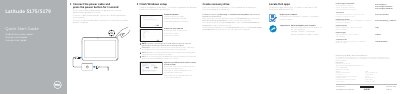
This document serves as a Quick Start Guide for the Dell Latitude 5175 and Latitude 5179 laptops. It outlines the initial steps required to get the device running, such as connecting the power cable, pressing the power button, and completing the Windows setup process. The guide also covers optional steps like connecting to a network and creating a recovery drive.
| Battery | 19.5Vdc, 30Wh |
|---|---|
| Charger | HA30NM150 / HKA30NM150 / DA30NM150 |
| Input Voltage | 100 V CA–240 V CA |
| Input Frequency | 50 Hz–60 Hz |
| Input Current | 1,30 A |
| Output Voltage | 5 V DC/20 V DC |
| Output Current | 2,0 A/1,50 A |
Connect the power cable and press the power button for 1 second.
Enter the password for the wireless network access when prompted.
In Windows search, type Recovery, click Create a recovery drive, and follow the instructions on the screen.