
The Dell™ Inspiron™ One 19 Service Manual provides information on how to remove and replace the internal components of your computer.
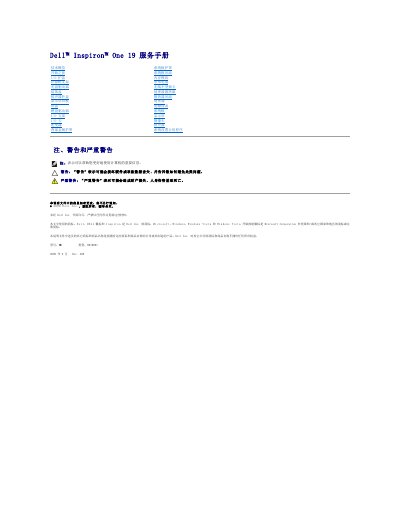
This service manual provides step-by-step instructions for removing and installing components in the Dell Inspiron One 19. It covers parts such as the cosmetic cover, rear cover, camera, and wireless mini-card, along with required tools and shutdown steps.
Before servicing, the manual instructs technicians to follow safety precautions, including reading the safety instructions, disconnecting power, and using ESD protection. It states that only certified service technicians should perform repairs. This manual is written in Chinese.
| Model number | W01B |
|---|
Only certified service technicians are authorized to repair the computer.
Read the safety instructions supplied with the computer before disassembling internal components.
Use a grounding wrist strap or periodically touch an unpainted metal surface.
Dell does not guarantee compatibility and does not provide support for non-Dell mini-cards.