
The Dell Precision™ M20 Service Manual provides important information about the product, including specifications, components, and troubleshooting steps.
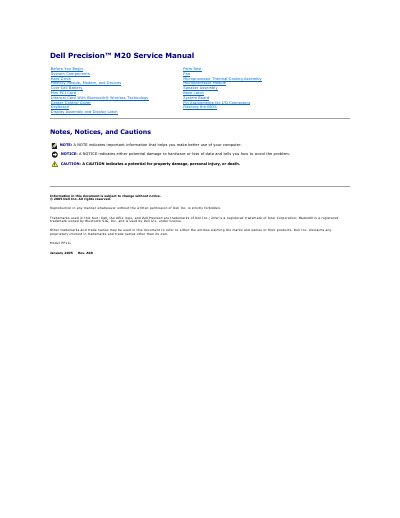
This document is the Service Manual for the Dell Precision M20 laptop, published by Dell Inc. in January 2005. It provides detailed instructions for certified service technicians regarding the maintenance, repair, and replacement of internal system components. The manual includes safety precautions, tool requirements, and step-by-step procedures for accessing the computer's interior.
| Document Revision | Rev. A00 |
|---|---|
| Document Date | January 2005 |
The procedures require a #1 Phillips screwdriver, a ¼-inch flat-blade screwdriver, a small plastic scribe, and a Flash BIOS update program floppy or CD.
No, only a certified service technician should perform repairs, as damage due to unauthorized servicing is not covered by the warranty.
Insert the BIOS update program floppy or CD, turn on the computer, and follow the on-screen instructions to boot and update the new BIOS.