
The Dell Quick Start Guide provides information on how to connect the keyboard and mouse, the power cord, and how to adjust the computer stand.
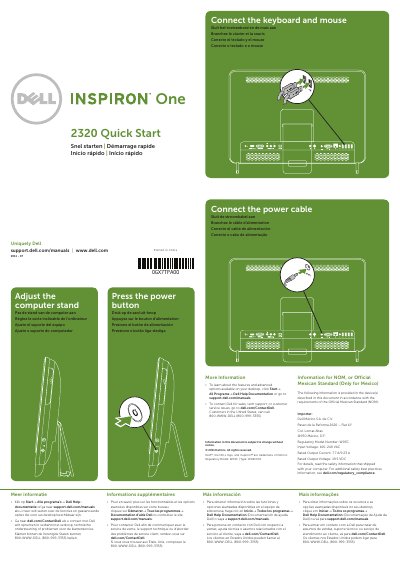
This guide provides quick start instructions for the Dell Inspiron 2320 all-in-one desktop computer. It covers essential setup steps including connecting the keyboard and mouse, attaching the power cable, and pressing the power button to turn on the device. The document also includes instructions on how to adjust the computer stand.
| Regulatory Model Number | W03C |
|---|---|
| Type | W03C001 |
| Input Voltage | 100-240 VAC |
| Rated Output Current | 7.7 A/9.23 A |
| Rated Output Voltage | 19.5 VDC |
Click Start→ All Programs → Dell Help Documentation or go to support.dell.com/manuals.
Go to dell.com/ContactDell. Customers in the United States can call 800-WWW-DELL (800-999-3355).