
The user manual of Dell computer introduces the functions and advanced options of Dell computer.
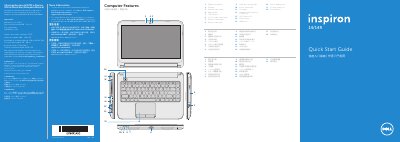
This quick start guide introduces the Dell Inspiron 3421/5421 laptop. It lists computer features such as the camera, optical drive, USB ports, media-card reader, touchpad, HDMI port, and power button, and provides setup steps including connecting the network cable and power adapter, pressing the power button, and completing Windows setup.
It also explains function keys for external display, wireless, touchpad, brightness, media playback, and volume, and includes regulatory information for Mexico plus Dell sales, technical support, and customer service contact details.
| Regulatory model | P37G |
|---|---|
| Computer model | Inspiron 3421/5421 |
| Input voltage | 100-240 V AC |
| Input current (maximum) | 1.50 A/1.60 A/1.70 A |
| Input frequency | 50-60 Hz |
| Current actual | 3.34 A/4.62 A |
| Output voltage | 19.50 V DC |
The computer model is Inspiron 3421/5421.
The regulatory model number is P37G.
Click Start, All Programs, Dell Help Documentation, or go to support.dell.com/manuals.
Go to dell.com/ContactDell; customers in the United States can call 800-WWW-DELL (800-999-3355).